How to Make a Secure Remote Access Connection with the BlastShield Client
“Easy to use. Hard to hack.” isn’t just a tagline — it’s the BlastWave experience in action.
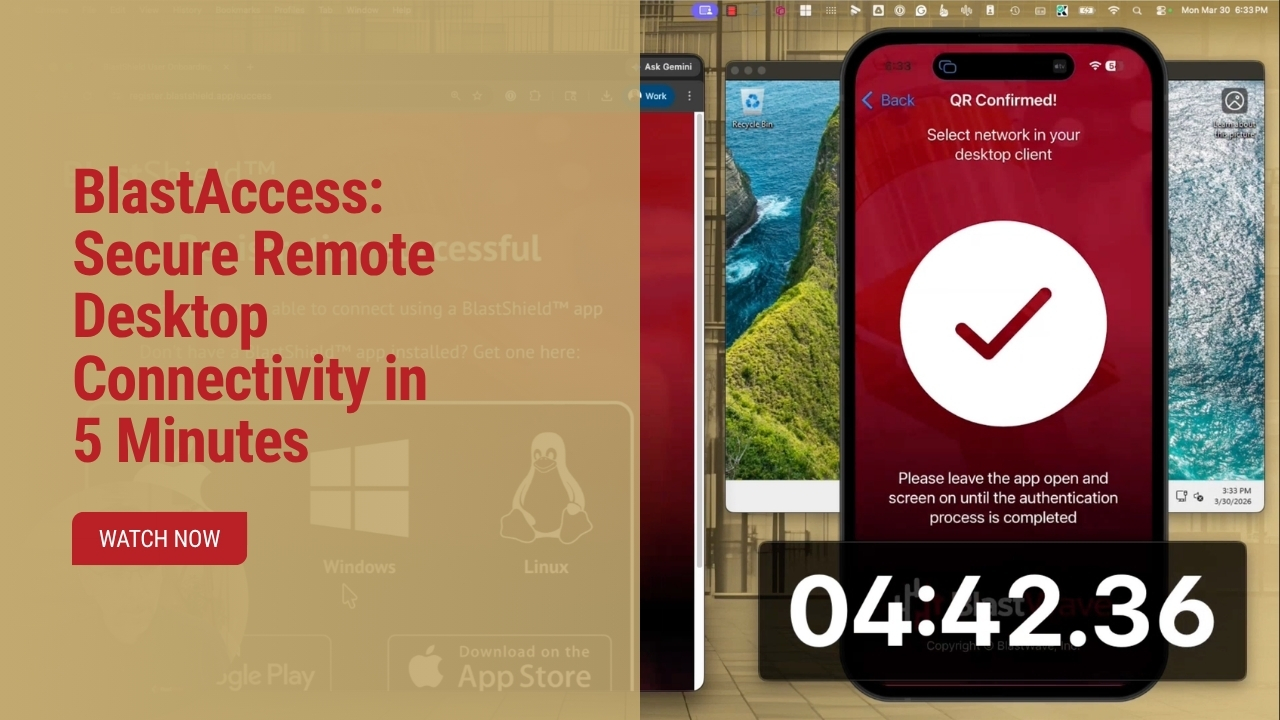
In under two minutes, you can go from zero to fully secured remote access — without a single exposed port, VPN headache, or password to remember.
Here’s how it works:
Your admin sends you a registration link.
You install the BlastShield Authenticator app on your phone.
Scan the QR code to verify your identity — no credentials to steal, no login to spoof.
Then install the BlastShield client on any device, authenticate once, and connect.
That’s it.
No phishing risk.
No credential reuse.
No attack surface.
BlastShield creates a cloaked, passwordless connection to your critical systems — invisible to attackers, seamless for your team.
Watch the short demo and see just how simple secure remote access can be.
Visit www.BlastWave.com to learn more and experience the future of OT security.
00:02
Welcome to this short demonstration video on making a secure remote access connection with the Blast Shield client. Your Blast Shield administrator will send you a user
00:11
registration link. Click through to begin the process. There, you'll receive a prompt to download our smartphone app, the Blast Shield Authenticator,
00:21
and once the app installation completes, click continue. Using the app scan the QR code presented in the browser window to accept your user invitation.
00:33
Now that your user is registered, we install the Blast Shield client to connect. You may install it on as many computers, tablets,
00:41
and devices as you'll need to connect to your blast shield network. Open the client and select your authentication type.
00:50
This video uses Blast Shield authentication, but your system may use a different form of single sign-on. The client will prompt you to choose your network.
01:00
Note that some organizations may have several, but most users will only see a single choice. Finally, complete the multifactor method prompted
01:10
by your smartphone, and that's it. You are connected securely through BlastShield.




Experience the simplicity of BlastShield to secure your OT network and legacy infrastructure.
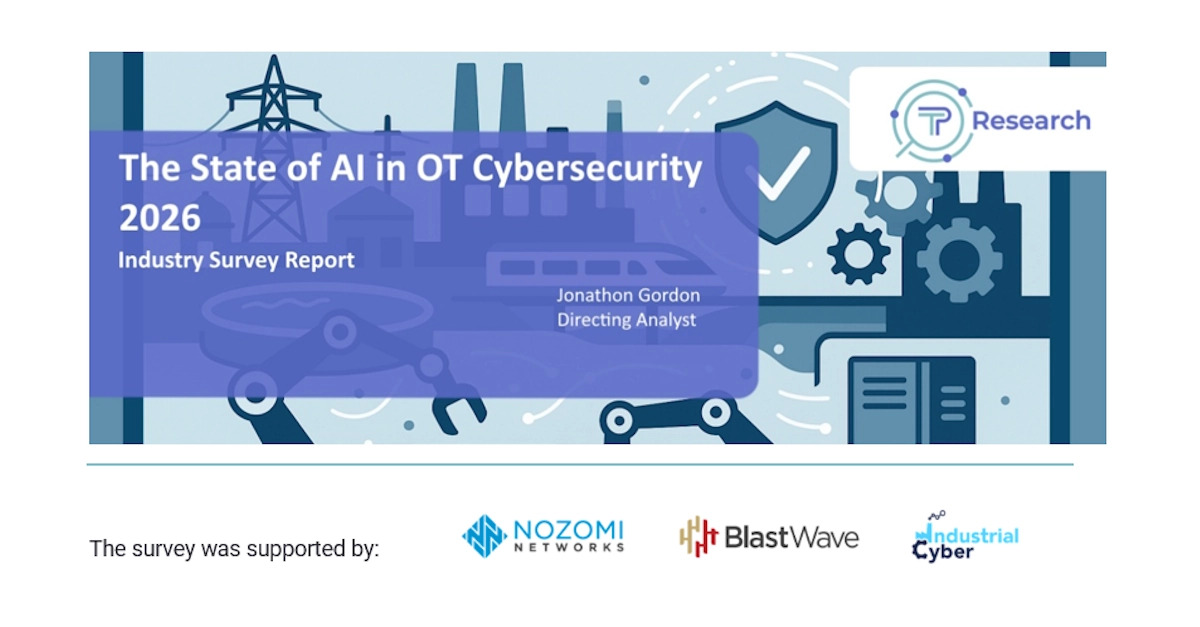
Less than 8% of OT and ICS Companies Have Robust AI Deployment, According to new Nozomi Networks and BlastWave-Sponsored Takepoint Research

.svg)
.svg)