(Vince Zappula)
We’ve made it to the final step of our home renovation project. At this point, Tom and I have walked you through hiding your inherited house from view, shielding its fragile plumbing, and installing structural fire doors to prevent internal contamination.
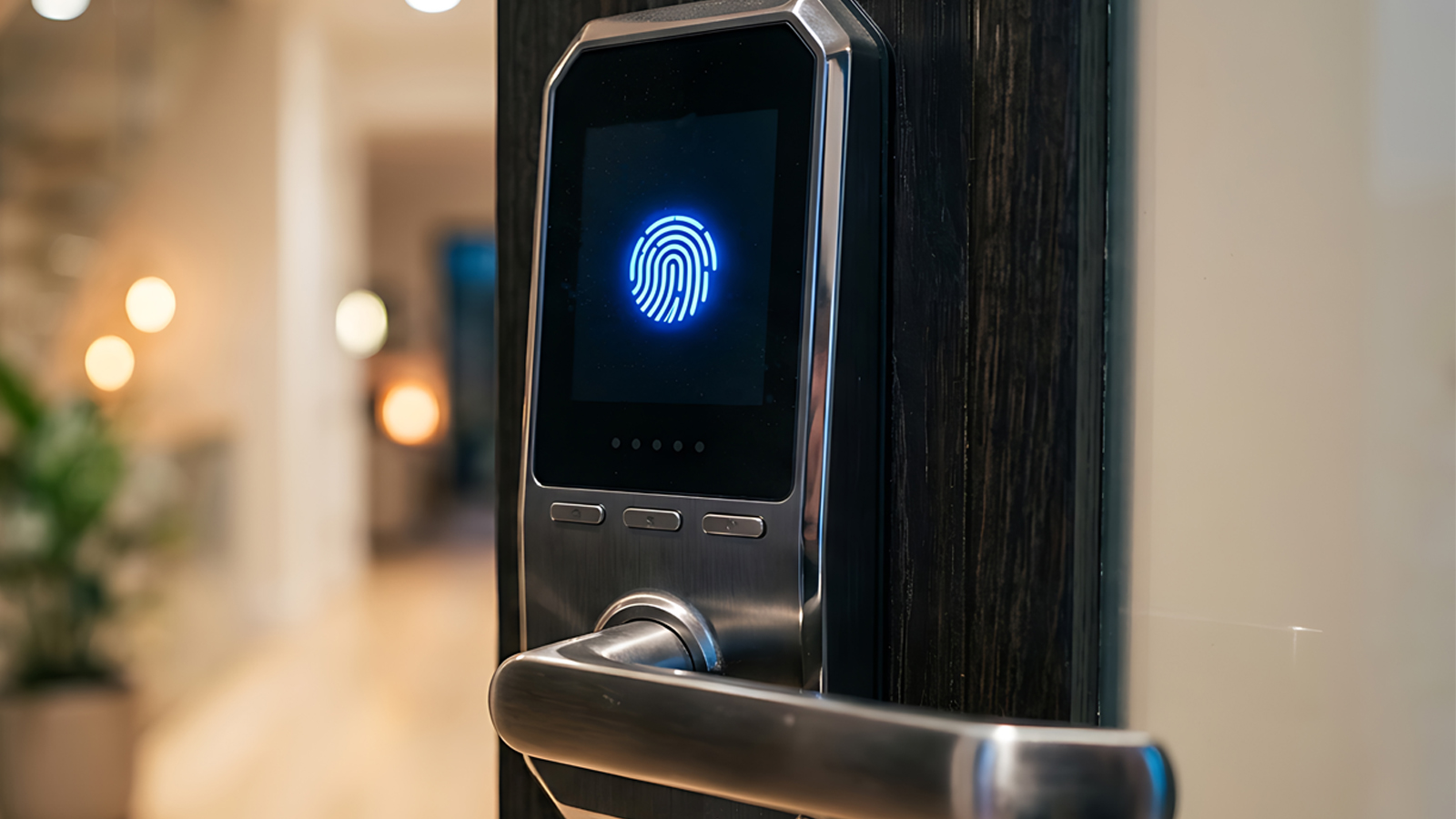
But there is one final, gaping vulnerability we have to talk about: Who has the keys to your front door?
As you finish auditing your new estate, you find out something incredibly alarming: the previous owner handed out physical copies of the master key to the plumber, the electrician, the delivery drivers, and the neighbors. No one kept a log of how many copies were made, who still has them, or if any were lost along the way.
In the operational technology (OT) world, this is exactly what your remote-access environment looks like.
If you ask your plant managers how original equipment manufacturers (OEMs), third-party contractors, and remote field technicians access your machinery for diagnostics, the answer is almost always a combination of shared corporate VPNs or text-based passwords written on sticky notes stuck to an HMI screen.
Your front door isn’t just unlocked. The key is sitting under the welcome mat for anyone to find.
The Supply Chain Liability Nightmare
Let’s look at this through the lens of commercial risk and compliance liability. Third-party vendors are an absolute necessity for modern industrial maintenance; you need the OEM technician in Germany to tune the turbine, and you need the specialized contractor to calibrate the chemical pumps.
But managing legacy corporate VPN configurations for hundreds of external contractors is an administrative nightmare. It inevitably results in stale, unmonitored credentials that sit active in your system for months or years after a contract ends.
This makes your third-party supply chain the ultimate target for credential harvesting.
AI-powered hackers, cybercriminals, and state-sponsored groups don’t need to break down your digital walls with complex exploits when they can just buy a valid, stolen contractor password on the dark web and log straight into your industrial control network.
If your external access strategy relies on static passwords and broad network tunnels, your business is carrying a massive, ticking compliance and cyber insurance liability.
First-Principles Access Governance: Kill the Password
The final, decisive milestone for any new OT CISO is to completely eliminate passwords from the environment. You need to take back control of your keys.
Instead of trying to manage increasingly complex password rotation policies that your contractors will inevitably bypass, BlastWave replaces text-based credentials entirely with phishing-resistant, hardware-bound cryptographic identities.
[Legacy Vendor Access]: Stale Password + Broad VPN ──> Free Lateral Access to Entire Plant Floor
[BlastWave JIT Access]: Cryptographic Token + JIT Approval ──> Isolated Session to One Machine ──> Access Key Melts
To log in, a remote vendor must use multifactor authentication that includes a physical, unclonable cryptographic token explicitly tied to their verified device nd a human-in-the-loop QR code challenge/response. There is no password to type, no credentials to write down, and absolutely nothing for a threat actor to harvest via a phishing email.
Implementing Just-in-Time (JIT) Micro-Access
But we don’t stop at changing the locks; we change how the keys behave. Traditional VPNs grant an external user access to the entire network segment, allowing them to wander around your infrastructure at will.
With BlastWave, you combine cryptographic identity with Just-in-Time (JIT) access controls:
- Zero Standing Access: Third-party technicians have zero baseline access to your plant floor. They cannot connect until an internal asset owner approves a specific service request.
- Granular Micro-Access: When access is granted, the vendor is connected via an isolated cryptographic tunnel directly to the single machine they are contracted to fix. They cannot see, ping, or interact with any other asset in the facility.
- Self-Melting Keys: The second their designated maintenance window closes, the cryptographic key automatically melts. The access route vanishes, leaving behind a complete, tamper-proof audit trail for compliance and insurance reporting.
The Renovated Structure is Complete
By transitioning from static passwords to JIT cryptographic access, your structural third-party risk effectively drops to zero. You eliminate the administrative overhead of VPN management, drastically reduce your corporate liability, and ensure your external supply chain can no longer be used as an entry vector to disrupt operations.
Over the course of this series, Tom and I have laid out a comprehensive blueprint to transform an inherited, fragile OT network into a resilient, self-defending architecture:
- Hide the Target: Use Network Cloaking to pull your assets off the public map.
- Protect the Bottom Line: Shield vulnerabilities to gain operational flexibility without sacrificing revenue.
- Contain the Spillover: Implement cryptographic micro-segmentation to isolate IT threats from the plant floor.
- Change the Locks: Replace passwords with phishing-resistant identity and JIT access.
Securing critical infrastructure doesn’t require endless complexity or multi-million-dollar hardware overhauls. By focusing on first-principles minimalism and architectural invisibility, you can step off the reactive security treadmill, protect your company’s EBITDA, and ensure your facility operates safely through any compromise.
The heavy lifting is done. Welcome to a secure house.
Frequently Asked Questions
What is passwordless OT secure remote access?
Passwordless OT secure remote access allows employees, OEMs, contractors, and field technicians to connect to authorized operational technology systems without entering reusable passwords. Instead, access is verified through phishing-resistant multifactor authentication, hardware-bound cryptographic identity, an approved device, and explicit authorization.
Why are passwords dangerous in OT environments?
Passwords can be stolen through phishing, reused across systems, shared among contractors, written down, or left active after a project ends. A compromised password may allow an attacker to enter through a legitimate remote-access account and attempt to move laterally into industrial systems.
Why are traditional VPNs risky for third-party OT access?
Traditional VPNs often create broad network tunnels rather than limiting a user to one authorized asset. They may also leave standing accounts and stale credentials active long after a contractor’s work is complete. This increases supply-chain risk, administrative overhead, and the potential impact of credential theft.
How does phishing-resistant authentication protect OT networks?
Phishing-resistant authentication removes reusable text-based passwords from the login process. Access depends on a verified user, an approved device, a hardware-bound cryptographic identity, and additional authentication challenges. Because there is no password to steal, a phishing email cannot capture credentials that provide direct access to the OT environment.
What is Just-in-Time access for OT?
Just-in-Time access grants a user temporary access only when a legitimate maintenance or service request has been approved. The user begins with zero standing access, receives permission for a defined asset and time window, and automatically loses access when the approved session expires.
What is the difference between network access and micro-access?
Network access may allow a remote user to connect to an entire subnet or network segment. Micro-access limits the connection to the specific machine, application, or service required for the task. The user cannot discover, ping, or interact with unrelated OT assets.
How does passwordless access reduce third-party supply-chain risk?
Passwordless access eliminates harvestable credentials and reduces dependence on shared accounts. When combined with device verification, Just-in-Time approval, least-privilege policies, and asset-level isolation, a compromised contractor account cannot be used as a standing entry point into the plant network.
What happens when a remote maintenance window ends?
The temporary cryptographic access route automatically expires. The vendor can no longer connect to the designated asset, and the session remains documented through an audit trail for security reviews, compliance reporting, and cyber insurance requirements.
Does passwordless OT access improve compliance?
It can support compliance by enforcing verified identity, least-privilege access, time-limited authorization, session accountability, and auditable access records. It also helps organizations demonstrate that third-party access is controlled rather than based on shared passwords or permanently active VPN accounts.
Can passwordless access be used for OEMs and external contractors?
Yes. It is especially useful for OEM technicians, specialized maintenance contractors, remote engineers, and other third parties who need occasional access to specific industrial equipment without receiving broad or permanent network privileges.
How to Implement Passwordless Just-in-Time Access for OT
1. Audit all remote-access pathways
Identify every method employees, OEMs, contractors, and service providers use to reach OT systems. Document VPN accounts, remote desktop tools, shared credentials, local accounts, jump servers, vendor portals, and forgotten or inactive access routes.
2. Remove stale and shared credentials
Disable accounts that are no longer required. Eliminate shared passwords, generic vendor accounts, and credentials that remain active between maintenance visits. Each remote user should have an individually verified identity.
3. Replace passwords with cryptographic identity
Implement phishing-resistant authentication that binds each user’s identity to an approved device and cryptographic credential. Require multifactor verification without relying on reusable text-based passwords.
4. Establish zero standing access
Set third-party access to deny by default. Vendors and contractors should have no permanent pathway into the OT environment. Access should become available only after an authorized internal asset owner approves a specific request.
5. Define the exact maintenance scope
For every request, specify:
- The authorized user
- The approved device
- The OT asset or application
- The permitted activity
- The beginning and ending time
- The internal person responsible for approval
6. Grant granular micro-access
Connect the remote technician only to the machine or service required for the assigned work. Do not expose the broader subnet, plant floor, or OT network. Block discovery, scanning, and communication with all unauthorized assets.
7. Apply time-limited Just-in-Time authorization
Activate access only for the approved maintenance window. Configure the cryptographic route to expire automatically when the session ends, the task is completed, or authorization is revoked.
8. Record and review remote activity
Maintain a complete audit trail of access requests, approvals, authentication events, session times, assigned assets, and revoked permissions. Review the records regularly for compliance, security governance, and third-party risk management.
9. Test access boundaries
Verify that authorized technicians can reach the required asset while remaining unable to see or interact with other OT systems. Confirm that expired, revoked, or unapproved identities cannot reconnect.
10. Continuously improve access governance
Regularly review vendors, asset ownership, maintenance requirements, access policies, and approval workflows. Remove unnecessary privileges and update authorization rules as equipment, contractors, and operational responsibilities change.

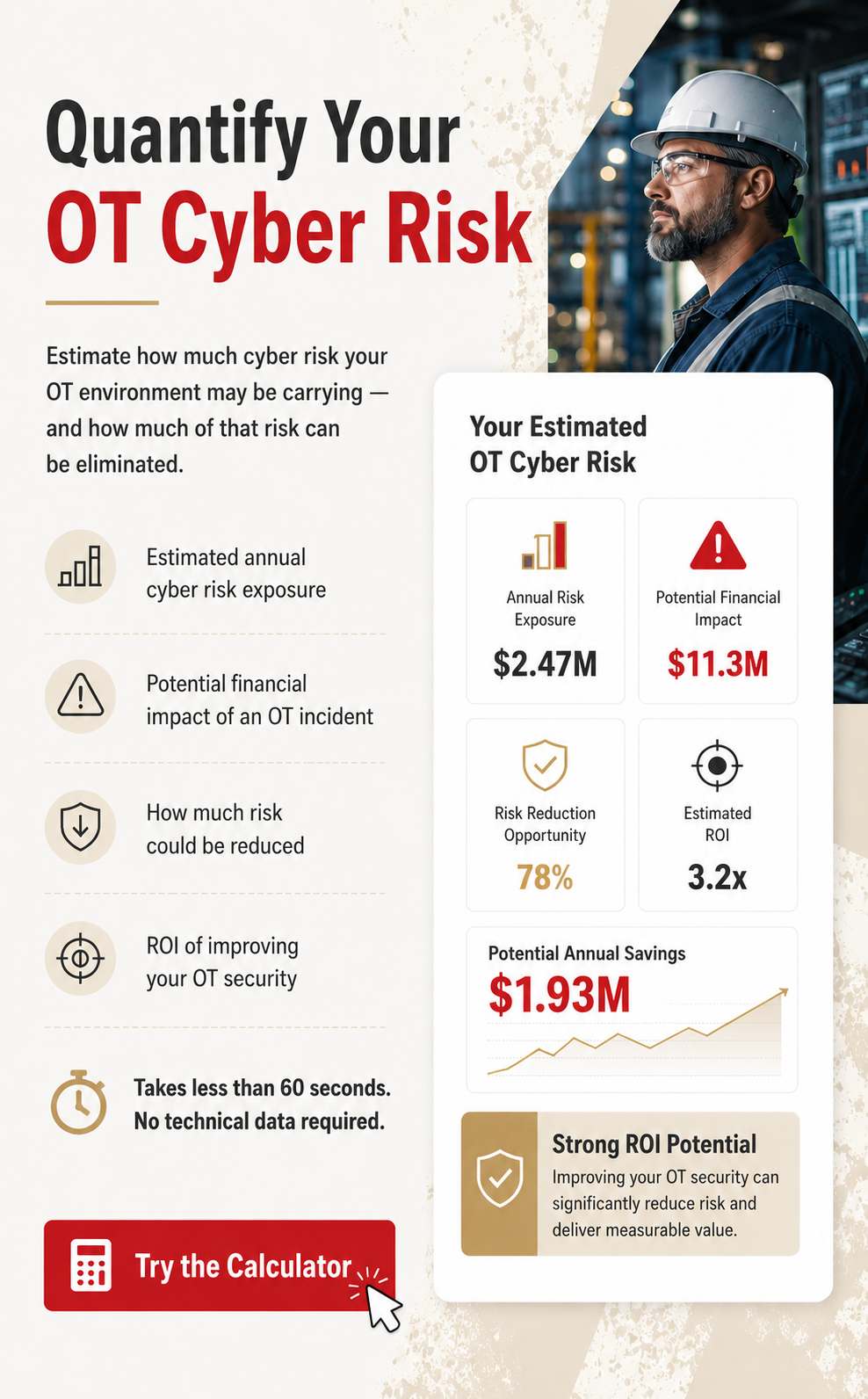






American Water’s cyber incident shows why water utilities need stronger OT isolation to stop IT breaches from threatening critical infrastructure operations and availability.
Explore the complete analysis of 23 OT attacks that defeated firewalls, VPNs, and air gaps.

.svg)
.svg)