Product Update: BlastWave Firmware v1.14.0 Delivers Refreshed UI, Session Recording, and Unmatched Operational Control
At BlastWave, our mission has always been to provide elite, first-principles zero-trust protection without introducing operational friction. With the release of BlastWave Firmware Version 1.14.0, we are taking a massive leap forward in usability, compliance visibility, and maintenance flexibility.
This update introduces heavily requested features designed to give asset owners and administrators maximum control over their secure environments while streamlining the daily user experience.
Here is a breakdown of the most impactful changes now available in v1.14.0.
The Big Four: Key Feature Highlights
1. A Refreshed, Unified User Interface
Security should be seamless, intuitive, and clear. In v1.14.0, we have rolled out a completely refreshed visual design across all BlastShield user interfaces, including platform clients and the single sign-on (SSO) sign-in page. This unified aesthetic improves scannability, reduces administrative fatigue, and ensures a clean, modern experience, whether you are logging in from the field or managing policies from the central office.
2. Full Session Recording for BlastAccess
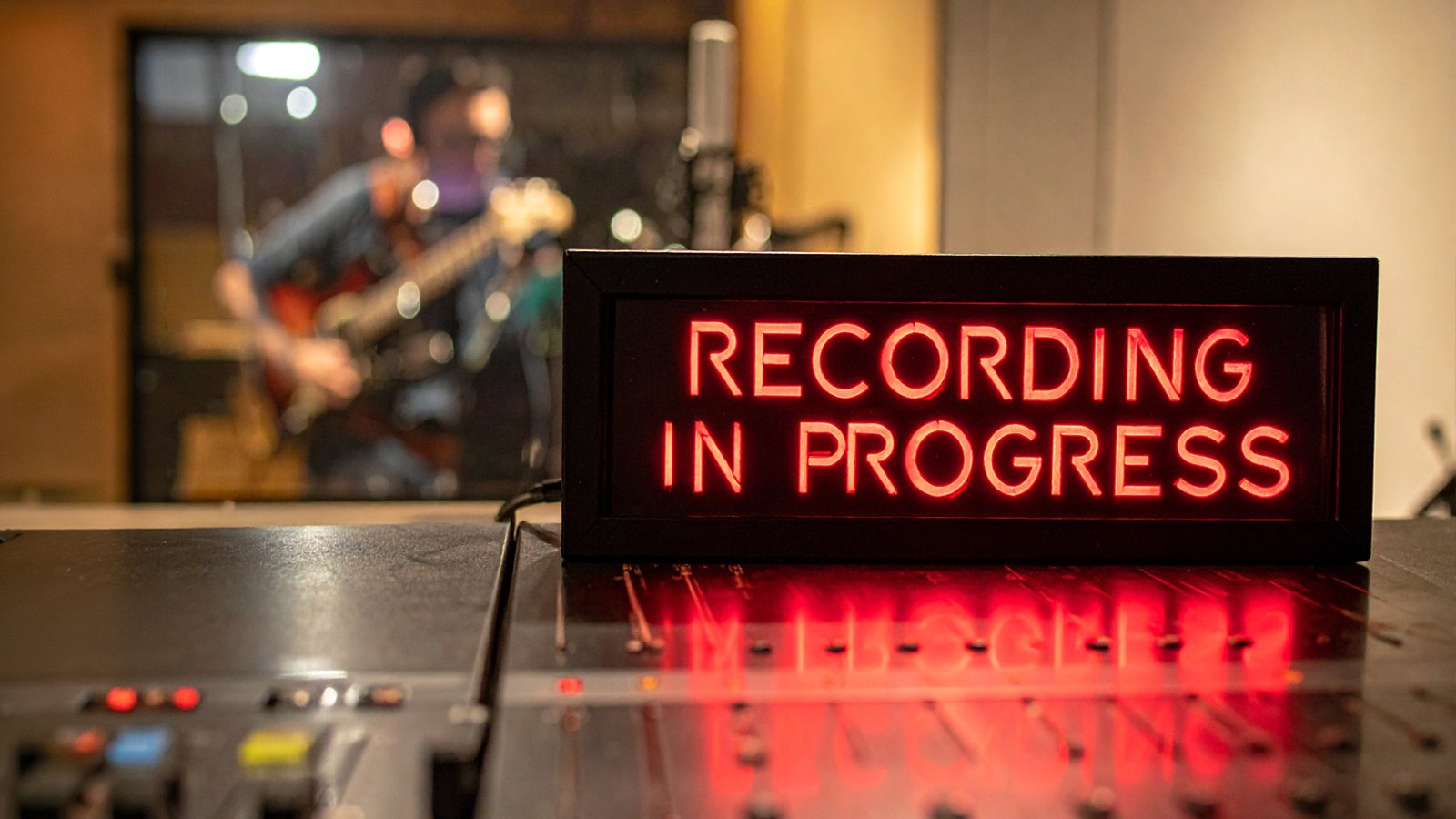
For compliance, auditing, and threat forensics, visibility is everything. We have added comprehensive session recording for BlastAccess remote desktop sessions.
- Complete Oversight: Administrators can now capture remote desktop activity and review it via an integrated playback UI.
- Granular Control: Manage recording capabilities with per-user permissions to respect privacy and regulatory guardrails.
- Secure, Scalable Storage: Recordings and connection logs can be automatically routed to external storage backends, including Amazon S3 and SSH, keeping your local orchestrator lightweight and secure.
3. Automated Firmware Update Scheduling
Maintaining critical infrastructure uptime means managing maintenance windows with pinpoint precision. You can now schedule firmware upgrades for orchestrators, gateways, and agents directly from the orchestrator UI. Instead of executing manual updates or forcing disruptive restarts during active operational hours, administrators can schedule patches to drop precisely when the impact on the network is lowest.
4. Configurable Re-Authentication Grace Periods
We know that constant security friction can slow legitimate operators down. To balance maximum security with user velocity, v1.14.0 introduces a configurable session authentication grace period. Administrators can now define a specific time window after a successful login during which users can skip FIDO/authenticator re-authentication. This eliminates "MFA fatigue" for active workers while ensuring strict identity barriers remain active during periods of idleness.
Under the Hood: More Capabilities to Explore
Beyond the major features, v1.14.0 is packed with optimizations to make network management easier:
- Local Printer Redirection: Users in BlastAccess remote desktop sessions can now print documents directly to their local physical printer.
- Advanced Filter Bars: We have added a powerful new filter bar across the orchestrator UI, making it incredibly fast to sort through endpoints, nodes, groups, policies, services, egress policies, and proxies.
- Optimized Log Archiving: Connection logs can now be persisted to external storage as compact CBOR-sequence files with zstd compression and are accessible via two new public API endpoints.
- Multiple Syslog Receivers: You can now configure multiple syslog receivers for redundant, highly resilient SIEM logging.
- Timezone Selectors: Easily toggle between Local and UTC timestamps directly in the orchestrator UI.
Stability and Hardening
True resilience requires a stable core. This release includes assorted hardening, stability, and usability improvements across the BlastAccess agent and remote desktop experience. Additionally, we have resolved a known bug regarding a resize loop in the gateway console terminal component within the orchestrator UI.
How to Get Started
Firmware v1.14.0 is available immediately. To take advantage of the new scheduling features, refreshed UI, and session recording capabilities, log in to your central orchestrator platform to view the update path or reach out to our customer support team for deployment guidance.

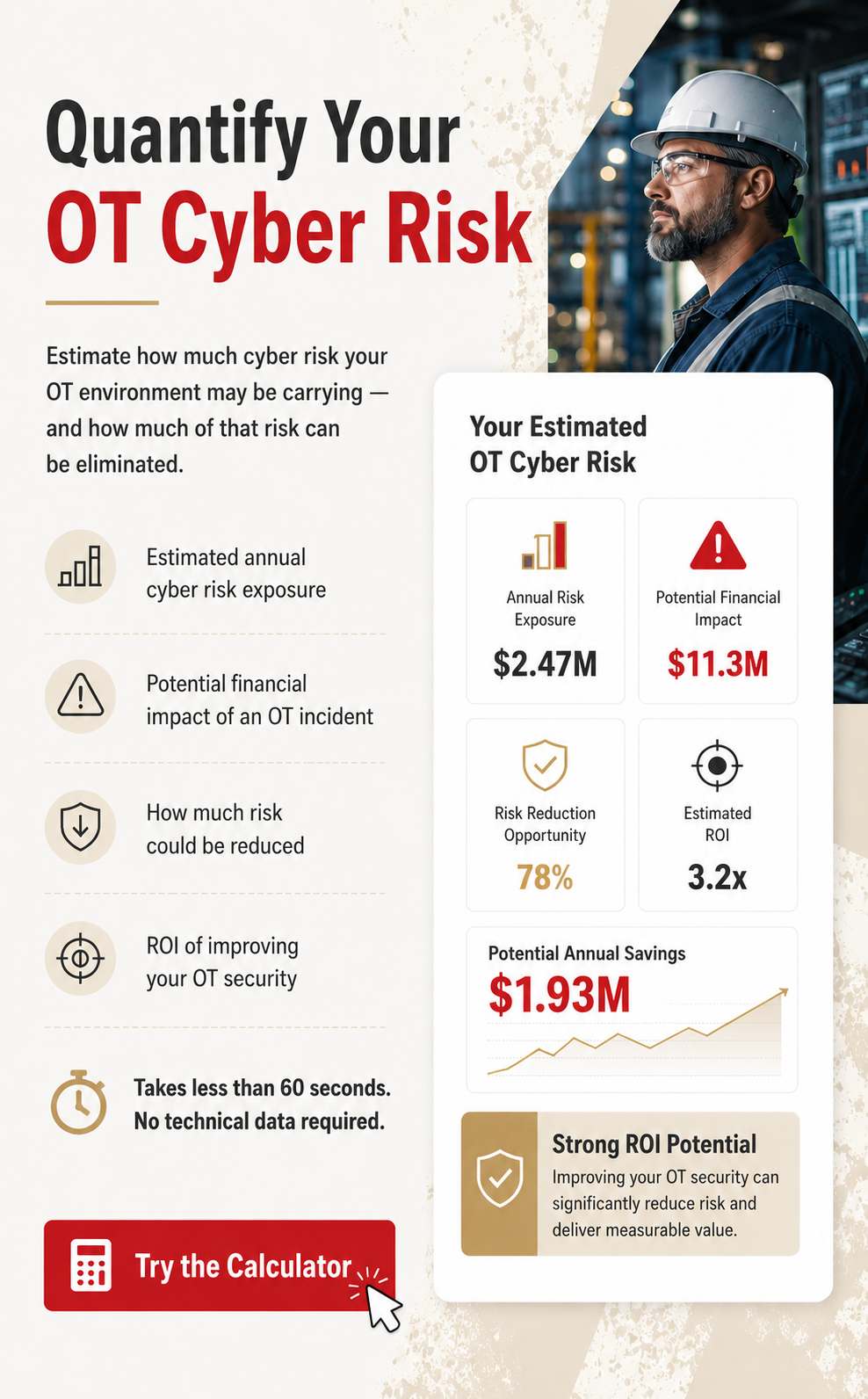






American Water’s cyber incident shows why water utilities need stronger OT isolation to stop IT breaches from threatening critical infrastructure operations and availability.
Explore the complete analysis of 23 OT attacks that defeated firewalls, VPNs, and air gaps.
.svg)
.svg)