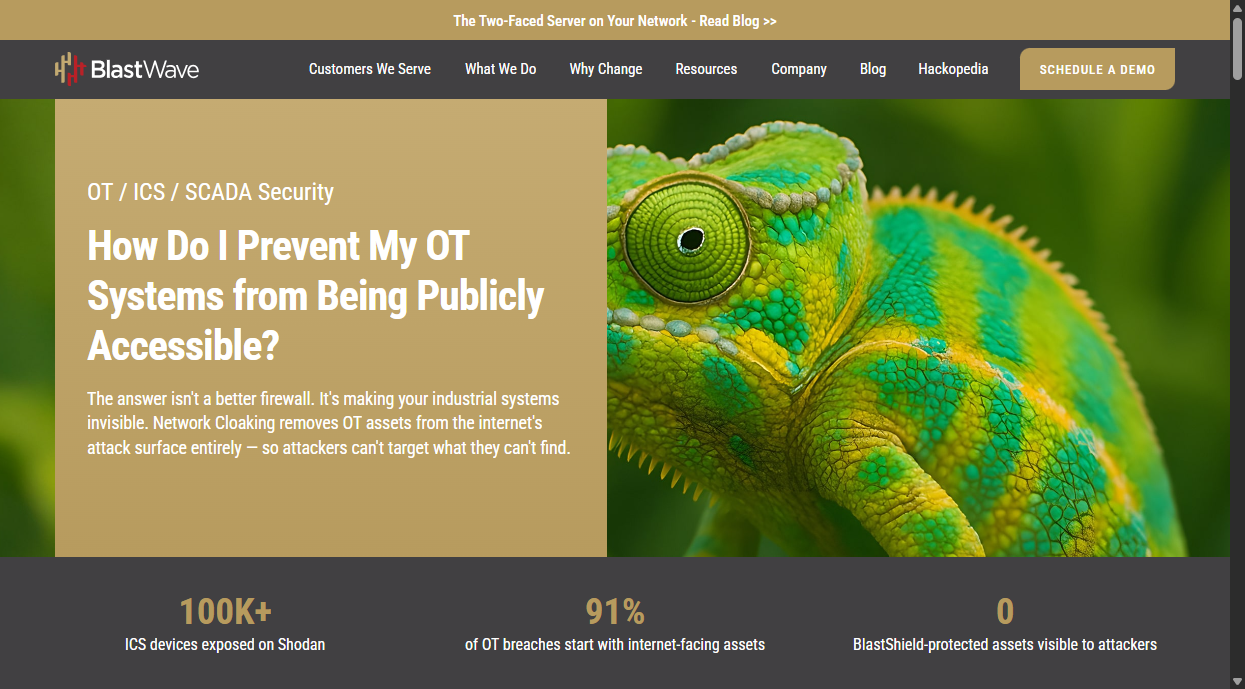
You cannot stop attacker scans. But you can make sure that your OT assets do not answer them. Network cloaking makes PLCs, HMIs, and RTUs discard unauthenticated packets, so a scan finds no target. BlastWave BlastShield does this with no agent on the protected asset, no firmware changes, and no downtime. Your PLCs stop answering scans.
Why OT attacks start with a scan
- Reconnaissance used to be the expensive part. Each documented OT attack starts with a scan that finds an asset that answers. For decades, this risk was small, because a person with time, skill, and patience had to do the scan. Attackers had to select targets, and most plants were not a good target.
- AI removed the cost. Now, scans are free, continuous, and universal. Nobody selects targets now. Attackers find and list all discoverable assets, all the time.
- Patches are too slow. OT patch cycles are measured in years. For an older PLC, there is no patch.
- Thus, the risk changed. Being discoverable used to be a probability. Now it is a schedule. Attackers will find each exposed asset. The only question is when.
Scans come from two locations. Internet-wide search engines and scanners record each device that answers on industrial ports. In the network, an attacker can compromise an IT laptop or a vendor connection. Then the attacker does a scan of the OT side. A good defense stops the two types of scan.
How to stop OT scanning: six steps
- Remove direct internet exposure. Find each PLC, HMI, and remote access device that connects to the internet. Include cellular modems and vendor gateways. Disconnect each one from the internet. CISA gives this as a primary mitigation for OT.
- Block scans at the IT/OT boundary. Put a controlled boundary between the enterprise network and the OT network, as NIST SP 800-82r3 recommends. Then a compromised IT computer cannot scan the plant.
- Cloak the OT assets. Put PLCs, HMIs, and RTUs behind network cloaking. Protected assets discard unauthenticated packets and send no reply. There is no IP address to ping, no open port to probe, and no service banner to read.
- Authenticate users before each connection. Users must authenticate before they can connect to an asset. With passwordless authentication, there is no password that an attacker can phish or use again.
- Remove remote access that listens on the internet. A VPN concentrator or remote desktop gateway that answers on the internet is a scan target. Use remote access that opens no inbound ports.
- Do the same tests as an attacker. Scan your network from the internet, from the enterprise side, and from a vendor connection. If an asset answers, it is still exposed.
Cloaking, firewalls, and monitoring: what each one does
| Control | What a scanner sees | Function |
|---|---|---|
| Firewall with allow rules | The firewall interface, and any asset on an allowed port | Limits the traffic between zones |
| Network monitoring | All assets that answer, and the scan is recorded | Shows the assets on the network and finds unusual activity |
| Network cloaking (BlastShield) | Nothing from protected assets | Removes protected assets from reconnaissance |
These controls work together. Detection finds it. BlastWave makes it unreachable.
How BlastShield hides your OT assets from scans
BlastShield puts protected OT assets behind a Gateway. The Gateway operates as a VM, container, or appliance. Protected assets do not answer unauthorized scans. Only authenticated users can connect to them. Each user can connect only to the devices and protocols in the policy for that user.
- No agent on the protected asset. PLCs, HMIs, and RTUs stay exactly as they are.
- Passwordless authentication. Users authenticate with a QR challenge and local biometrics. There is no password that an attacker can steal.
- No inbound ports. Remote access does not use a VPN concentrator that listens on the internet.
- Fast policy changes. A new policy takes effect in seconds, often in less than one second.
- Agent hosts are also protected. Servers and workstations with the optional BlastShield Agent silently drop unauthenticated packets, as a Gateway does.
What cloaking does not do
Cloaking removes protected assets from reconnaissance. It is not a full security program. Know its limits:
- It does not find assets. You must still have an asset inventory.
- It does not examine protocol content. BlastShield operates at Layer 4. It controls which users can connect to an asset, not the content of a permitted session.
- It makes insider attacks more difficult, but it does not remove them. It is difficult to stop a determined insider on the local network with any control, including this one.
Frequently asked questions
Can you block attackers from scanning an OT network?
You cannot stop attackers from sending scans. But you can make sure that your assets do not answer. With network cloaking, protected PLCs, HMIs, and RTUs discard unauthenticated packets. The scan gets no result.
Is network cloaking the same as a firewall?
No. A firewall lets traffic pass between zones or blocks it, and attackers can see the firewall. Cloaking makes protected assets refuse to answer all unauthenticated users.
Does cloaking work on legacy PLCs?
Yes. BlastShield operates at the network layer. Thus, there is no agent on the PLC and no firmware change. Older and unpatchable controllers get the same protection.
Will authorized engineers still be able to connect?
Yes. Authenticated users can connect to the assets in their policy. To all other users, those assets give no response.
How do I check whether my OT network is exposed?
Scan it from the internet, from your enterprise network, and from a vendor connection. If an asset answers on an industrial port, an attacker can also see it.
See a scan fail on your own equipment
Request a demo. While you watch, we do a scan of a protected controller, and you keep the result. Then an authorized operator connects to the same device. You can bring your own scenario.
Sources







American Water’s cyber incident shows why water utilities need stronger OT isolation to stop IT breaches from threatening critical infrastructure operations and availability.
Explore the complete analysis of 23 OT attacks that defeated firewalls, VPNs, and air gaps.